To save a form, select "Save my progress and resume later" at the top right and bottom right of any page. Follow the instructions to enter your email and create a password. You may use the same password for multiple forms or create a unique password for each form.
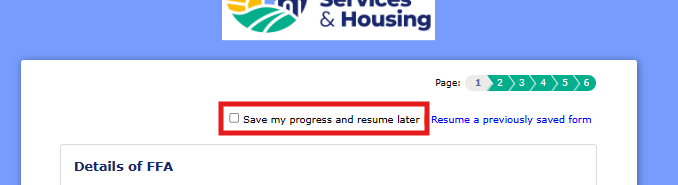
To resume a previously saved form, either click the link in your email or return to the form and select “Resume a previously saved form.” Enter your email and password to access the saved response.
You may see a message warning you that any information you entered on the current page will be discarded. Click Ok.